
RTO meaning for MSP backup and disaster recovery: make it operational

RTO is more than a number on a spreadsheet for MSPs. It’s about how quickly you can restore each workload using the right engine, approvals and support process. Without tying recovery time objectives to specific engines and runbooks, hitting your customer’s targets stays out of reach. This post shows how one platform with tenant orchestration and a single support line turns RTO meaning into an operational reality you can trust.
For a deeper understanding of how RTO and RPO are critical in Disaster Recovery, especially for regulated buyers, you can explore further insights in the RTO and RPO in Disaster Recovery article. Additionally, you can learn more about the offerings and how Assurestor can enhance your service delivery by visiting the Assurestor website.
Understanding RTO for MSPs
Recovery Time Objective, or RTO, is a crucial concept for managed service providers. It defines how quickly a system or application must be restored after a disruption. This isn’t just theory: it’s about meeting the expectations of your customers.
Practical Definition of RTO
RTO refers to the targeted duration of time for recovery after a failure. It’s not a one-size-fits-all number. Each workload has its own RTO based on business needs. Your goal is to restore services before serious damage occurs. In practical terms, it means choosing the right technology and process to meet each workload’s specific needs. For instance, certain applications might need rapid recovery, while others can manage with longer downtime. Knowing these differences helps you set realistic RTOs that align with operational capabilities and customer promises.
Operational Relevance of RTO
Why does RTO matter so much? Because it translates directly into customer satisfaction and trust. If you can’t meet your promised RTO, it affects your reputation and possibly your contract. Operations need to be aligned with these objectives. This means integrating RTOs into your daily operations. You set these targets not just based on theory but on the actual capabilities of your systems and processes. This integration ensures that you’re not just setting goals, but actually equipped to meet them when it matters most.
Aligning RTO with Workloads

Aligning your recovery time objectives with specific workloads is essential. It involves more than just setting a time frame: it requires a strategic approach to backup and disaster recovery.
Mapping RTO to Backup Engines
Each backup engine you use has its own strengths. To meet RTOs, you must map these strengths to the right workloads. For example, Veeam might handle virtual environments efficiently, while Asigra could be ideal for cloud backups. This mapping involves understanding the capabilities of each engine and matching them to the workloads they can support best. By doing this, you ensure each workload is backed by the most suitable technology, increasing the chances of meeting your recovery objectives.
Controls and Operating Processes
Setting RTOs is only the first step. You need controls and processes to support them. This includes having clear operating procedures and approvals, such as Four Eyes approval, to prevent any single point of failure. Implementing processes like these ensures that when a failure occurs, everyone knows their role and the steps to take. With the right controls in place, you increase the predictability and reliability of your recovery efforts.
Simplifying Multi-Engine Recovery
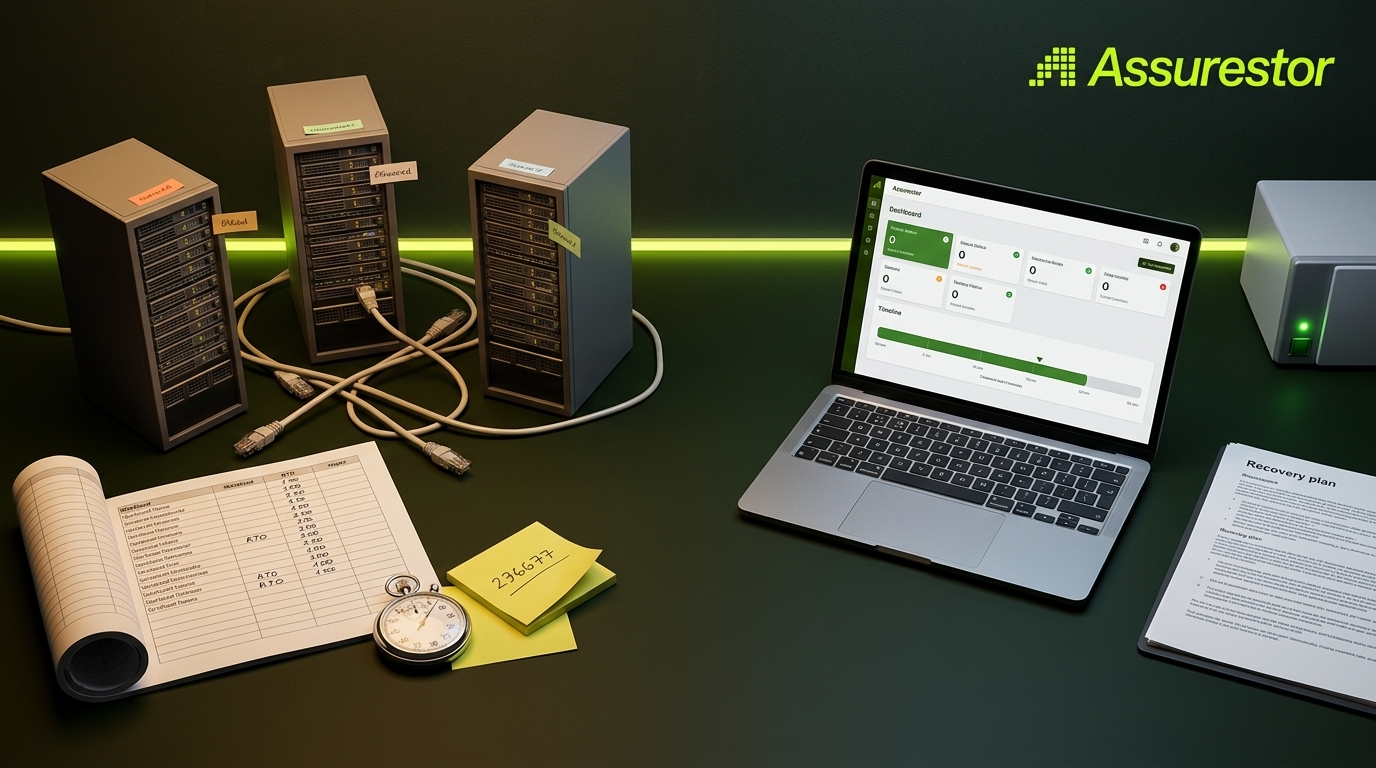
Handling multiple backup engines can complicate recovery efforts. Simplification is key to ensuring success across your platform.
Importance of Single Support Line
When issues arise, a single support line removes complexity. Instead of juggling between different vendors, you have one point of contact. This streamlines problem resolution and speeds up recovery. It eliminates the confusion that can occur when dealing with multiple support teams and ensures that your team can focus on restoring services quickly and effectively.
Role of Tenant Orchestration
Tenant orchestration plays a vital role in managing multi-engine setups. It allows you to control different engines from a single platform, making operations more manageable. With tenant orchestration, you maintain oversight across all engines, ensuring that each is used optimally. This control not only simplifies management but also ensures that you can effectively meet RTOs without unnecessary delays or complications.
Frequently Asked Questions
What is RTO in disaster recovery?
RTO, or Recovery Time Objective, is the targeted duration for restoring a system or application after disruption. It’s crucial for setting realistic recovery expectations aligned with business needs.
How can MSPs align RTO with workloads?
MSPs should map each workload to the most suitable backup engine based on its RTO needs. This involves understanding the strengths of different engines and aligning them to specific workload requirements.
Why is a single support line important for MSPs?
A single support line reduces complexity by providing one point of contact for resolving issues. This streamlines recovery efforts by eliminating the need to coordinate with multiple vendors.
How does tenant orchestration benefit MSPs?
Tenant orchestration allows MSPs to manage multiple engines from one platform, simplifying operations and ensuring that recovery objectives are met efficiently across different workloads.