
Can You Actually Recover? A Practical Hybrid IT Disaster Recovery Checklist


Many disaster recovery plans look solid on paper until a real incident reveals unexpected gaps. In hybrid IT environments, those gaps often hide in the seams between on-premise systems, private clouds, SaaS, and partner-managed services. Your disaster recovery plan checklist should prove your business can resume operations, not just that a plan exists. This guide highlights the critical steps that confirm every workload and dependency is covered to keep your business running when it matters most.
For more insights on this topic, you might explore How to Build a Hybrid IT Disaster Recovery Plan: Map First, Recover Right. Additionally, Assurestor offers a comprehensive IT disaster recovery plan template that scales for organisations seeking robust solutions. Managed Service Providers can also benefit from our tailored disaster recovery plan template for MSPs, designed for ease of use and full control.
For more information, visit Assurestor.
Ensuring Comprehensive Coverage
The first step in ensuring business continuity is identifying all critical components of your IT environment. This involves understanding which workloads are essential for operations and how they interact in a hybrid setting.
Identifying Critical Workloads
To start, identify which workloads are crucial for your business. These are often the systems that, if disrupted, would halt operations. Focus on those that support core functions. Make a list of these workloads, ensuring you include any dependencies they might have. For instance, if your customer service platform relies on a database, both must be recoverable.
Understanding the role of each workload will help you prioritise. It’s about knowing what must be up and running first. Consider the financial and operational impact of each system being down. This understanding will guide your disaster recovery priorities, ensuring the most critical parts of your business resume smoothly.
Understanding Recovery Dependencies
Dependencies are the silent players in recovery. They’re the systems and services your critical workloads rely on. Mapping these out helps prevent oversight during recovery. Document the dependencies for each workload. Include software, hardware, and network resources. This map acts as a guide during recovery, ensuring nothing is missed.
Dependencies can be tricky. Often, they’re not obvious until something goes wrong. Regularly review and update this information. As your IT environment changes, so do your dependencies. Keeping this map current is a proactive step in disaster readiness.
Managing Stakeholder Handoffs
In a crisis, communication is vital. Stakeholder handoffs must be clear and efficient. Each person involved in recovery needs to know their role. This clarity prevents confusion and delays. Create a communication plan that outlines who is responsible for each step in the recovery process.
Training is also crucial. Regular drills ensure everyone knows their responsibilities and can act quickly. These practices reduce the chaos that can occur during an incident, leading to faster, more effective recovery efforts.
Sequencing and Ownership
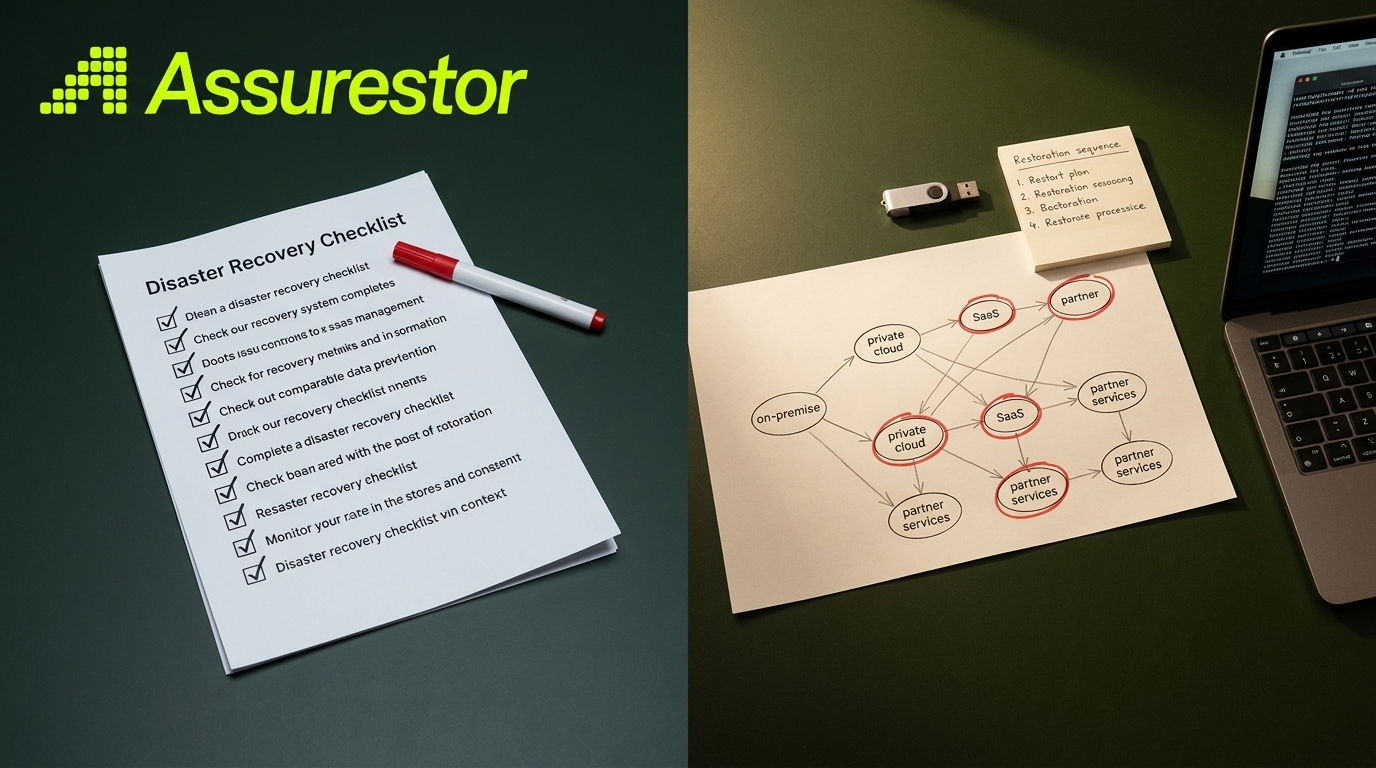
Once you have identified workloads and dependencies, it’s time to organise the recovery sequence. This involves setting priorities and assigning responsibilities to ensure a smooth recovery process.
Prioritising Recovery Steps
Begin by ranking each workload in order of recovery importance. This priority list guides the sequence of actions during an incident. Implement a tiered approach: critical systems first, followed by essential services, then non-critical functions. This method ensures resources are focused where they’re needed most.
Consider the impact of downtime for each system when setting priorities. Some systems might be critical during specific times of the year. Adjust priorities to reflect these changes. This flexibility ensures your disaster recovery plan remains relevant and effective.
Assigning Clear Ownership
Clear ownership of tasks is essential for a successful recovery. Assign specific roles to team members, detailing their responsibilities in the recovery process. This clarity prevents overlap and ensures accountability. Everyone should know who to contact for specific issues.
Document these roles and review them regularly. As teams change, so should responsibilities. Keeping this information current ensures everyone is prepared when an incident occurs, leading to a coordinated and efficient recovery effort.
Conducting Failover Testing
Testing is the cornerstone of a reliable disaster recovery plan. Conduct regular failover tests to ensure systems can switch to backup resources seamlessly. These tests simulate real-world disruptions, allowing you to identify and address weaknesses in your plan.
Documentation of test results is crucial. It provides a record of what works and what needs improvement. Use this information to refine your disaster recovery strategies, ensuring they remain robust and effective over time.
Testing and Hybrid Dependencies

In hybrid IT environments, testing takes on added importance. It’s not just about ensuring systems work independently but also how they function together.
Orchestration and Automation in Hybrid IT
Automation can simplify complex recovery processes. Use orchestration tools to automate failover and recovery procedures. These tools coordinate the sequence of recovery steps, reducing the potential for human error. They ensure each system is brought online in the correct order, preserving dependencies.
Orchestration also speeds up recovery times, getting your business back to normal faster. Regularly update and test these automated processes to ensure they remain effective as your IT environment evolves.
Importance of Immutable Backups
Immutable backups are a critical component of any disaster recovery plan. They protect your data from being altered or deleted, ensuring you have a reliable backup to restore from. This protection is vital in defending against ransomware attacks.
Implementing immutable backups involves setting policies that prevent changes to backup data. These might include time-based restrictions or access controls. Regular checks ensure these policies are in place and functioning, providing peace of mind that your data is secure.
Addressing SaaS Backup Needs
SaaS applications are often overlooked in disaster recovery plans. Yet, they can be critical to your operations. Ensure you have processes in place to back up SaaS data. This might involve third-party solutions that offer granular recovery options.
Consider the specific needs of each SaaS application when planning backups. Some might require daily backups, while others might be fine with less frequent updates. Tailoring your backup strategy to each application ensures comprehensive protection.
Frequently Asked Questions
What is a disaster recovery plan checklist?
A disaster recovery plan checklist is a detailed guide that outlines the steps and resources needed to restore IT systems and data after a disruption. It ensures all critical workloads and dependencies are identified and covered.
Why is failover testing important in disaster recovery?
Failover testing is crucial because it verifies that systems can switch to backup resources smoothly during an incident. It identifies weaknesses in the recovery process and allows for improvements.
How do immutable backups enhance disaster recovery?
Immutable backups protect data from being altered or deleted, which is vital in defending against threats like ransomware. They ensure you have a reliable backup to restore from, maintaining data integrity.
How should SaaS applications be included in a disaster recovery plan?
Include SaaS applications by implementing third-party solutions for their backup. Tailor your strategy to meet the specific needs and recovery requirements of each application to ensure comprehensive protection.
What role does automation play in hybrid IT disaster recovery?
Automation simplifies and speeds up recovery processes by coordinating the sequence of actions. It reduces human error and ensures systems recover in the correct order, preserving dependencies.